
Coaching workflow
Walk into every session ready. Leave with the follow-up done.
ClickCoach keeps the full arc of the engagement together: preparation, live notes, commitments, progress, scheduling, and the next action. The workflow supports your coaching instead of interrupting it.
Run Your First Week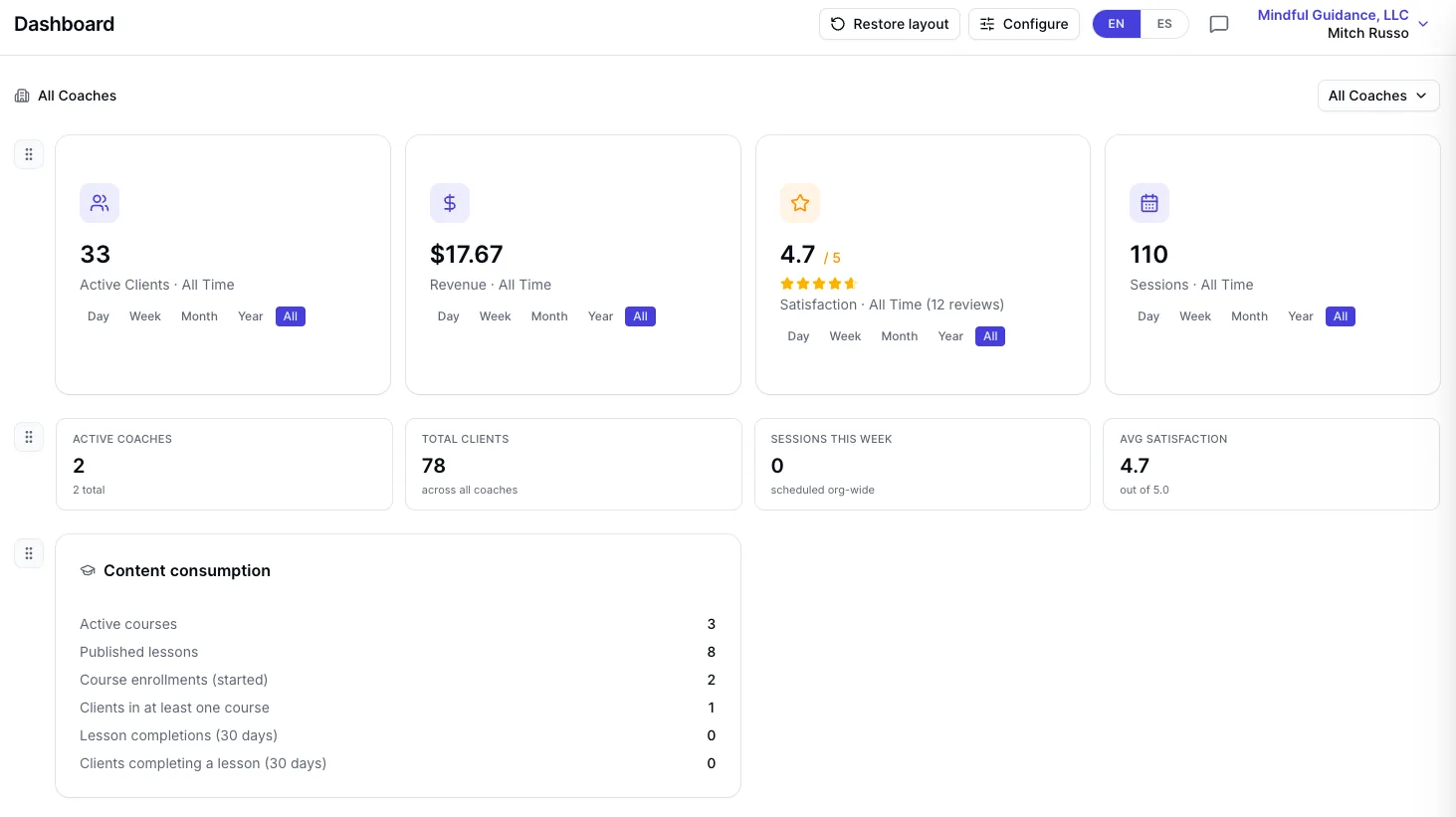
Before the call
Preparation arrives before the client does.
The dashboard surfaces upcoming sessions. Open a client and the pre-session brief brings forward the last summary, homework status, accountability answers, current stats, files, and the focus you flagged.
- Configurable dashboardChoose and arrange the daily insight cards that matter to your practice.
- Upcoming sessionsLaunch the brief, client profile, or session workspace in one click.
- This week's focusUse AI to suggest priorities from earlier notes, homework, and answers.
- Calendar workspaceSchedule with timezone awareness and Google or Outlook visibility.
During the call
Stay present without losing the record.
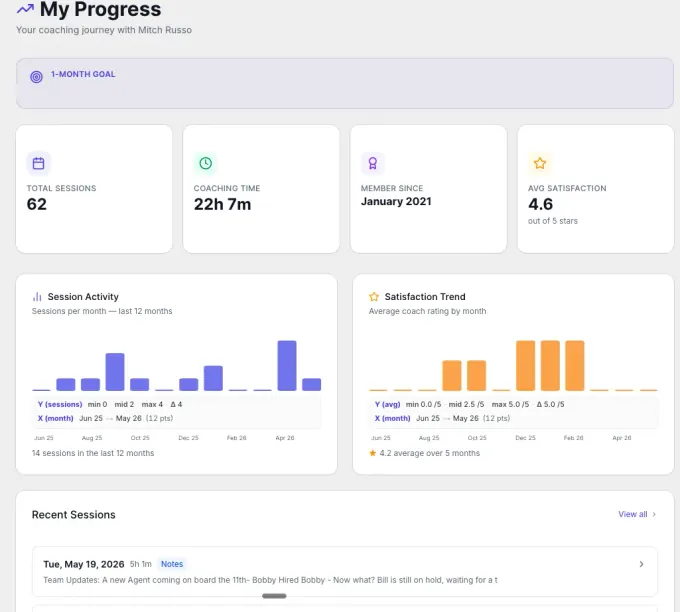
The live workspace keeps rich-text notes, assignments, accountability questions, progress charts, files, recording links, and a session timer together. Autosave protects the work while you focus on the person.
- Rich-text notes and homework
- Reusable accountability question library
- Up to 10 custom client metrics beside the session
- Group sessions and lesson-plan access
- Server autosave plus local browser draft
After the call
Turn insight into action before momentum fades.
Clean up notes and homework with AI, generate accountability questions from the conversation, preview the branded follow-up, and choose exactly what the client receives.
- AI notes and homework cleanupImprove clarity and tone without replacing your judgment.
- Question generationDraft useful accountability prompts from the actual session content.
- Controlled send optionsInclude notes, stats, reports, Q&A, portal access, and branding as appropriate.
- Editable session historyReopen prior work, correct it, and resend follow-up when needed.
- Timed remindersSend appointment and follow-up reminders without rebuilding the sequence.
The result
More attention on the client. Less recovery work after the call.
Run a complete session workflow with your own practice and decide within 30 days.